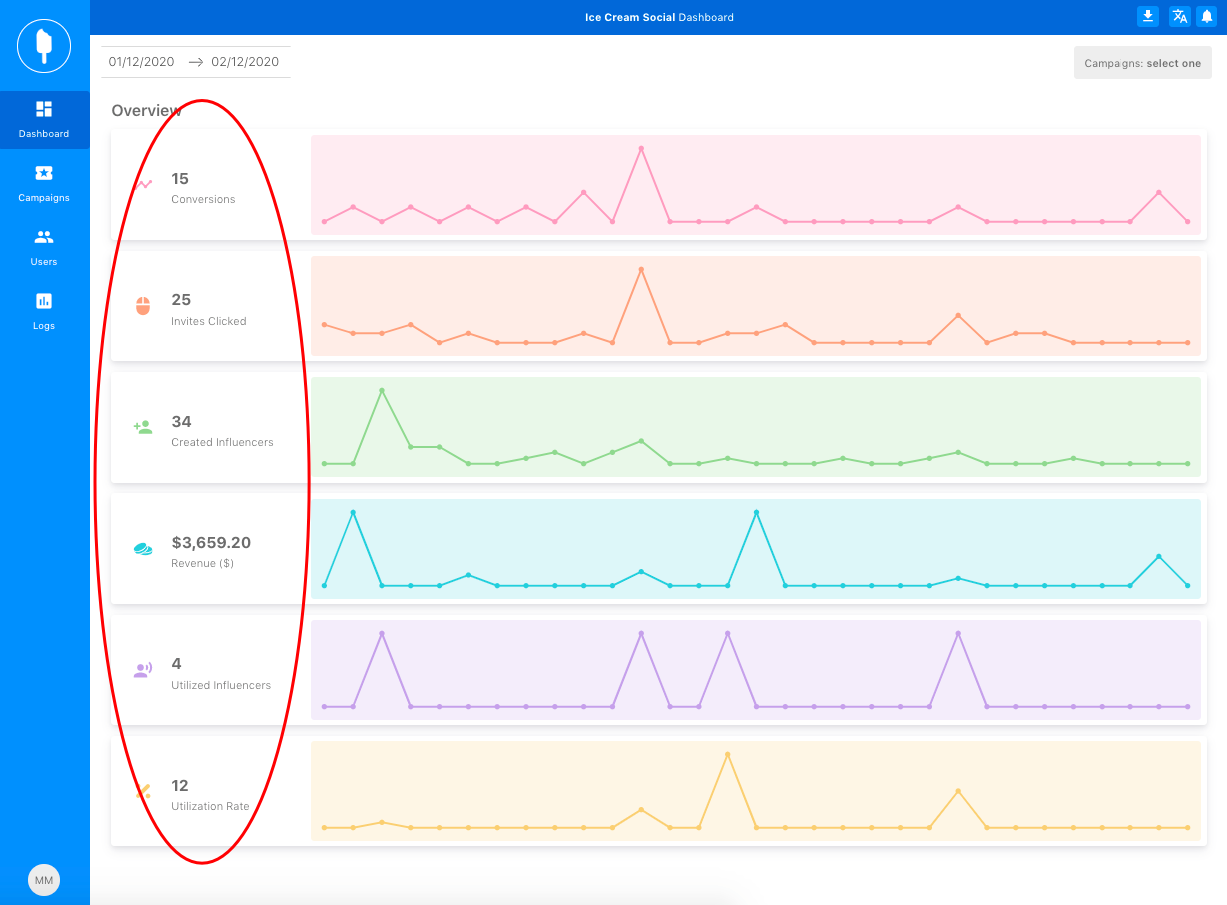
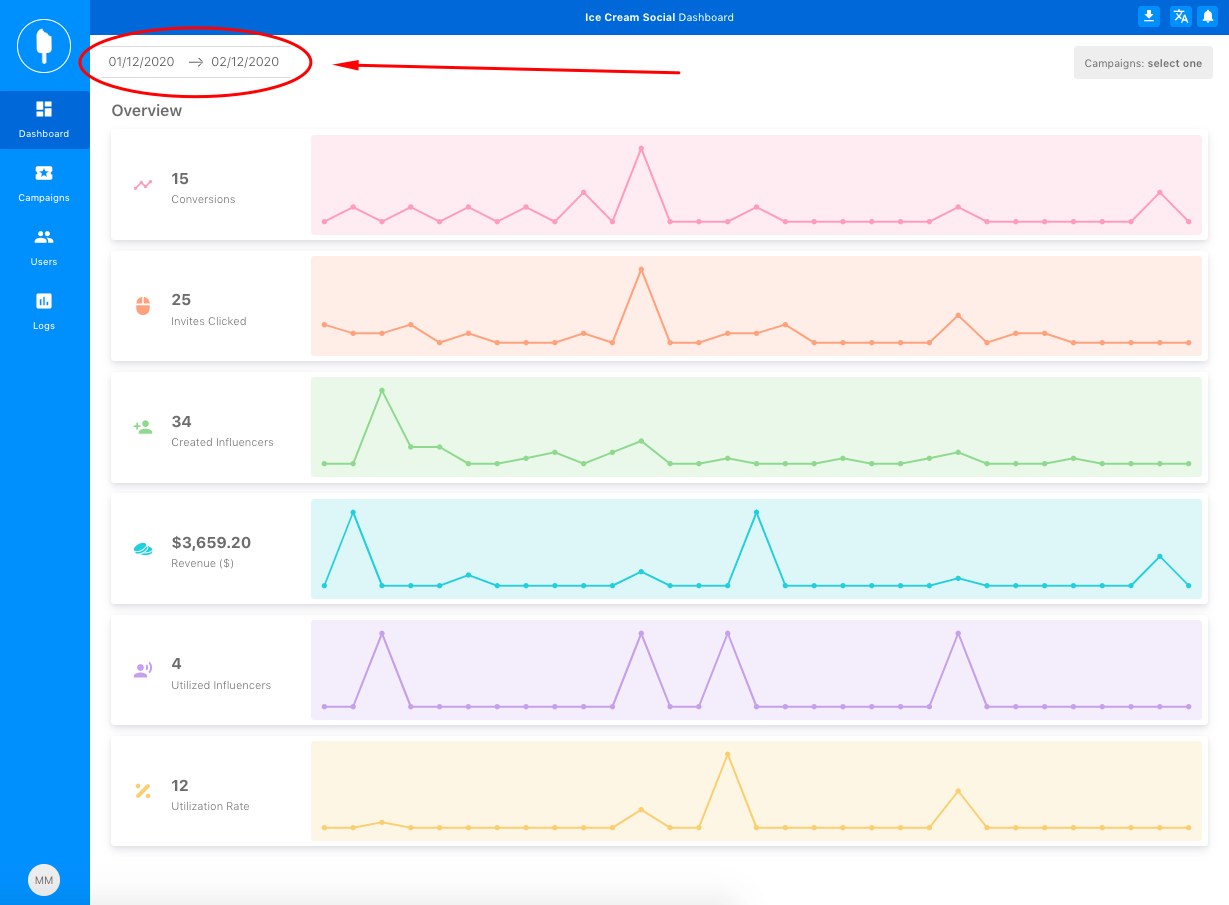
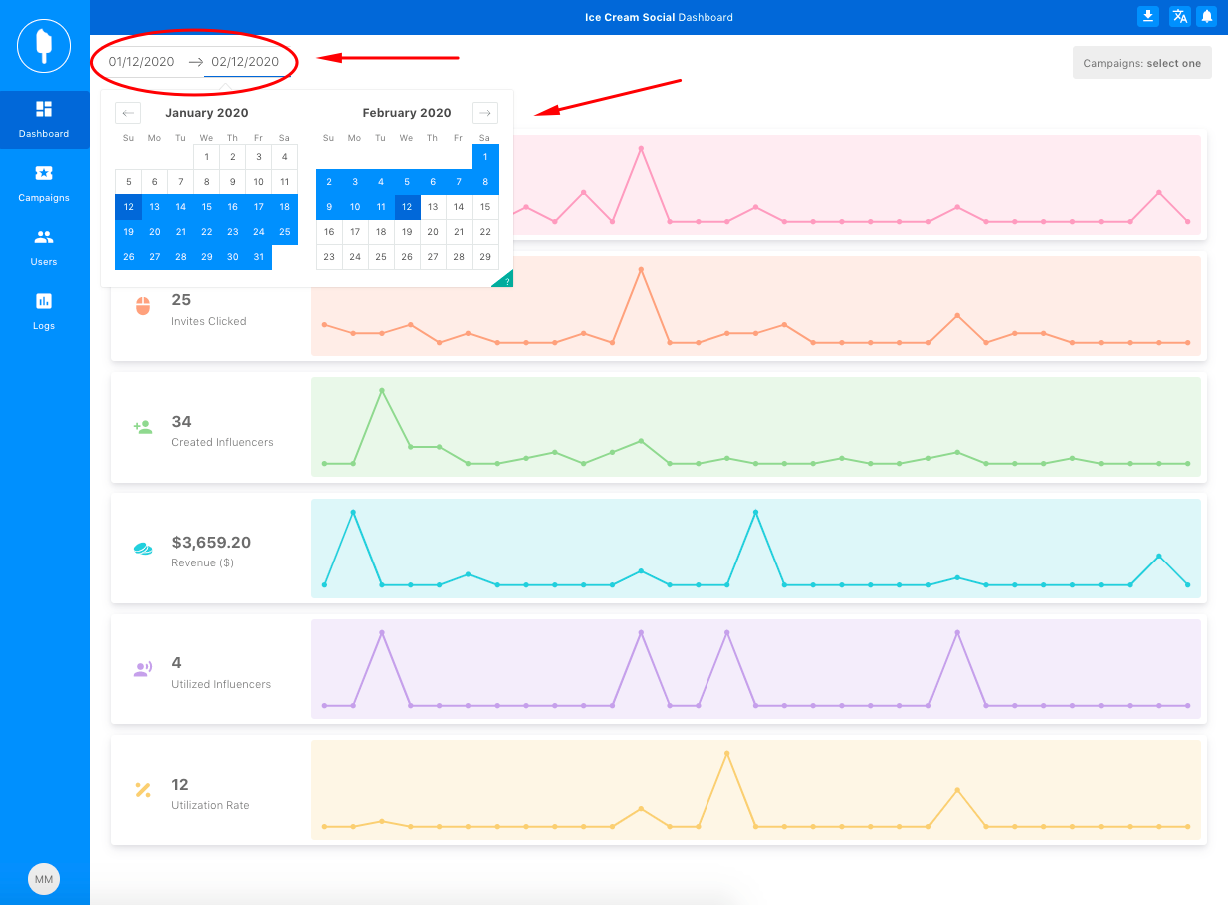
ICS: How to View Campaign Analytics Updated May 14, 2020 23:48 After logging in to your ICS account, the analytics will appear on the Dashboard. By default, analytics will appear for the last 30-days. To adjust the date range you can click the dates and select a date range.